🤫 SHH…. DON’T TELL YOUR KIDS THIS SECRET…
But learning to program games is the absolute best way to teach them math.
It requires them to learn:
ALGEBRA (variables and arithmetic lie at the heart of every programming language)
GEOMETRY (you must learn to find the distance and size between objects according to their x, y, and sometimes z coordinates)
PHYSICS (right off the bat they’ll start learning about how gravity affects an object’s velocity, and how that velocity affects its position)
HOW IT WORKS
Let me tell you, game design lessons are the easiest online lesson of all. In fact, they’re almost easier ONLINE than they are IN PERSON, simply because kids don’t need to carry a computer around and worry about transferring files from mine to theirs. So there’s no better time to get started than now!
YOUNG BEGINNERS
I’m sorry, but your little whipper-snappers are spoiled. 😂 See, back in my day, I had to make up my games on pieces of paper and Excel spreadsheets. But now there’s a website made just for your kids. It’s called SCRATCH. It introduces kids to a “block” style of programming, where they drag and drop intuitive shapes to build simple games. I create a teacher account and send them a link for a student account, and THEY CAN BUILD GAMES ON ANY DEVICE WITHOUT DOWNLOADING A THING.
ADVANCED STUDENTS
When your kids grow out of Scratch (or if they’re old enough right off the bat), we move on to one of two programs according to what they want to accomplish. GAMEMAKER STUDIO and UNITY. One of these programs is cheap, and the other is free. And yet, they’re used all over the place to create professional games, no doubt some of which your kids have already played.
At this point, the POSSIBILITIES ARE ENDLESS, and I can help your kids to program ANY GAME THEY WANT!
MY BEGINNER STUDENTS’ PROJECTS
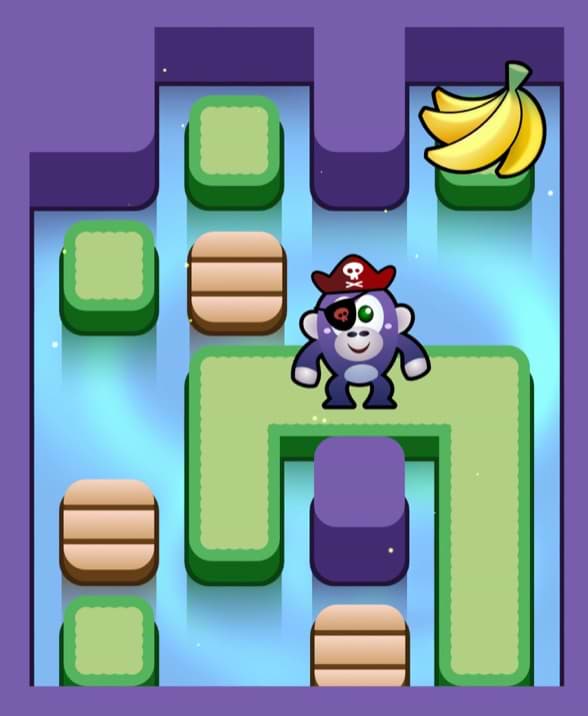
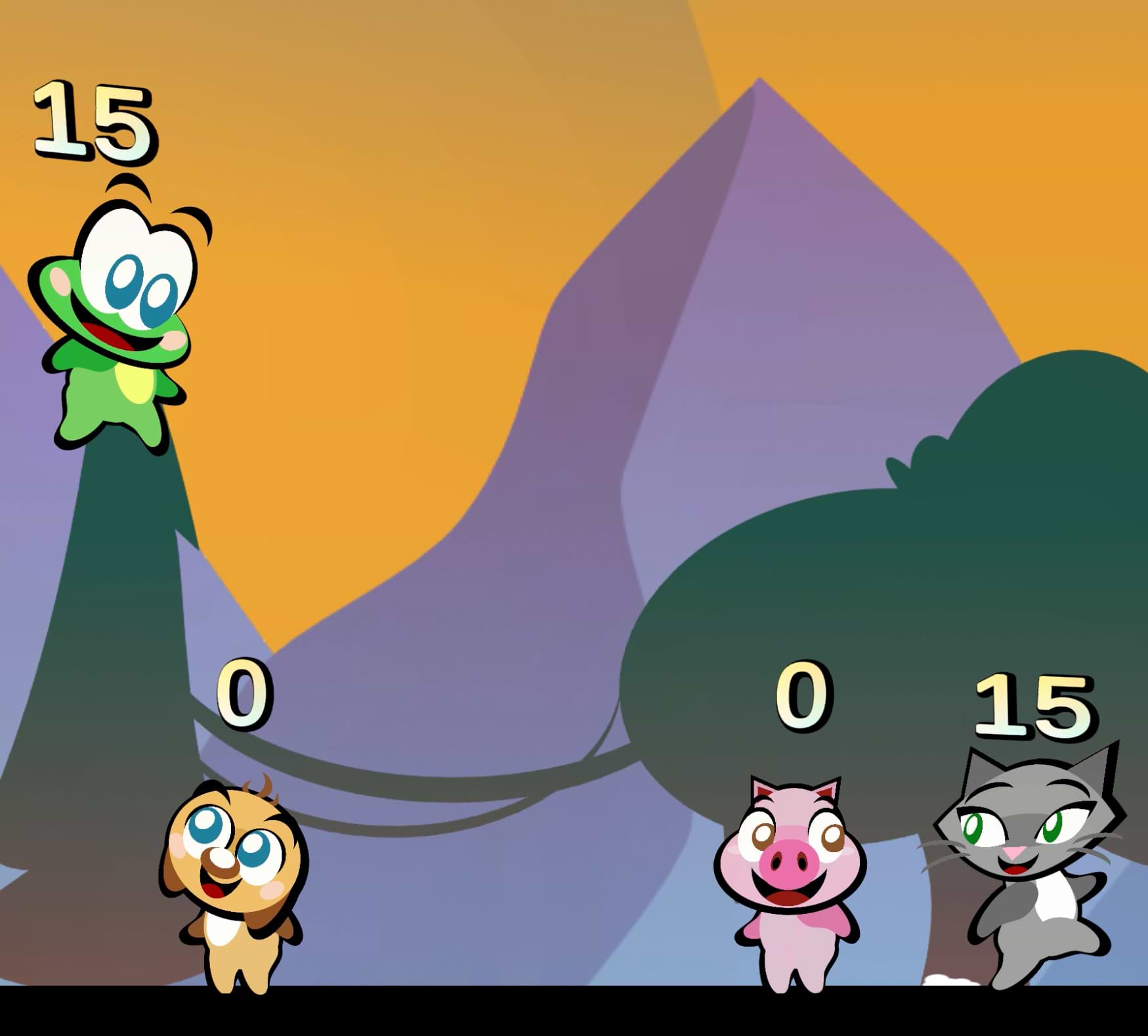
Play these games right in your browser, on any device! (though computers work best)
ONE ADVANCED STUDENT’S PROJECT
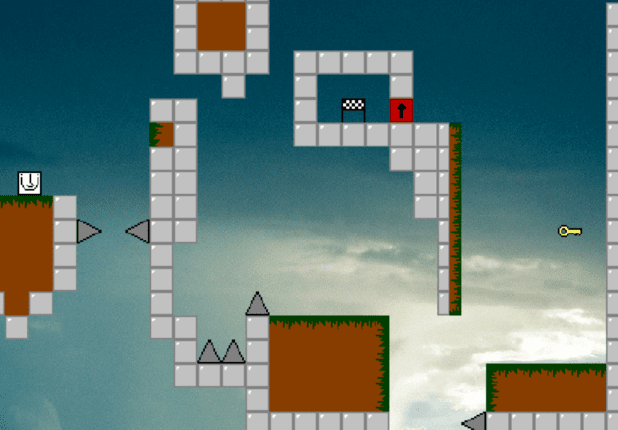
Most bigger projects can’t be played in an internet browser, so it’s tough to show many examples, but try this one! (It’ll open a new window)
You’ll need to be on a computer for this one.
MY PROJECTS
If you’ve got an iPhone or iPad, try this app that I’ve created single-handedly (all the art, music, and coding by me):
If not then you can check out my own game company’s website, although it’s very much under-construction — we’re just getting started: